Exact size output

Upscale Image to Size

Pick the pixel size, or the paper size you're printing on. What you download is exactly that size, with edges rebuilt by AI instead of stretched.

Long edge up to 1600 px as a guest, 2048 px free, 7680 px on a paid plan.

Drag & drop your images, or click to browse

JPG, PNG or WebP · source up to 5000 px on the long edge · runs in your browser, nothing uploaded

Choose images

1 image per run on Free · long edge up to 1600 px

Up to 1600 px · sign in to go bigger
Advanced settingsPRO

Advanced settings are a Pro feature:

  • • Queue up to 10 images in a single run
  • • Larger tiles + WebGPU — faster on devices with enough GPU memory
  • • Auto-download, no daily limit — 1 credit per image

Upscale to an Exact Size in Three Steps

  1. 1

    Drop the images

    One file or up to ten. JPG, PNG and WebP all work, and the output keeps the format you gave it.

  2. 2

    Pick the size

    Choose A4, A3, a poster or a listing preset, or type width × height. Print size mode takes the paper and DPI instead.

  3. 3

    Process and check at 100%

    Every file comes out at exactly that size, downloads on its own, and stays in the tray for a second look.

What You Can Upscale For

Print sheets, poster sizes and marketplace pixels are already built in — pick one and the exact pixel size is filled in for you. Drag any slider to see the original against the upscaled result.

Group photo upscaled with AI for A4 printing
Low resolution group photo before upscaling
Before After

Upscale an Image to A4 or A3 for Printing

The A4 print size at 300 DPI is 2480 × 3508 px, and A3 at 300 DPI is 3508 × 4961 px. Both are presets — portrait and landscape — so upscaling an image to A4 or A3 for printing means picking the sheet instead of typing numbers, and resizing one down to A4 size takes the same pick when the file is already larger than the paper. The same list runs from A6 to A2, in millimetres, centimetres or inches, and a viewing-distance guide fills in the DPI that suits the job: 300 for a leaflet read at arm's length, 150 for a poster seen from about a metre. DPI on its own isn't a size: the pixel count stays the same and the DPI moves with the sheet — the file that is 300 DPI at A4 drops to 212 DPI printed at A3. Pick the sheet first and the number follows.

upscale image to a4upscale image to a3resize image to a4 size
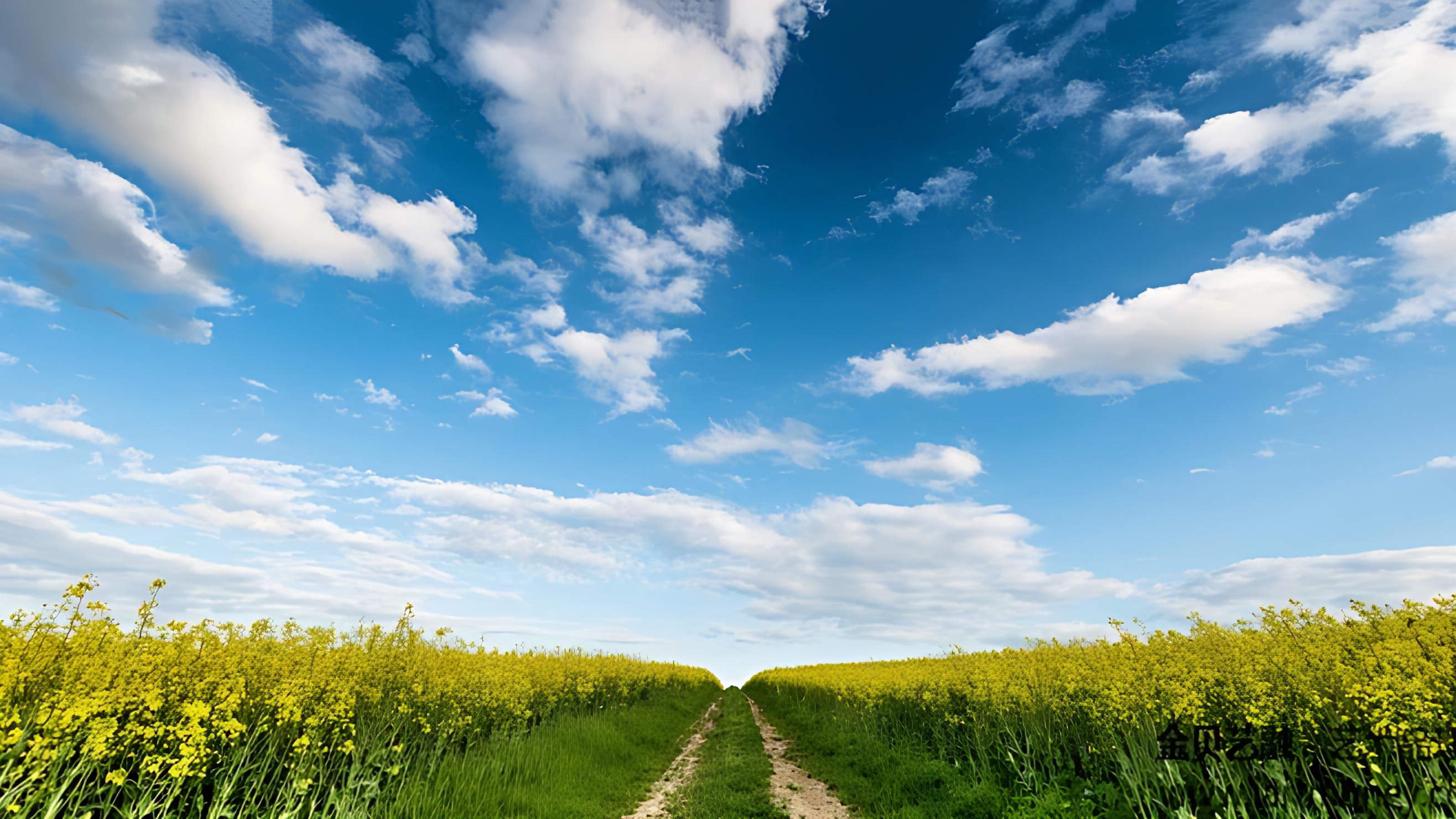
Landscape photo upscaled with AI for poster printing
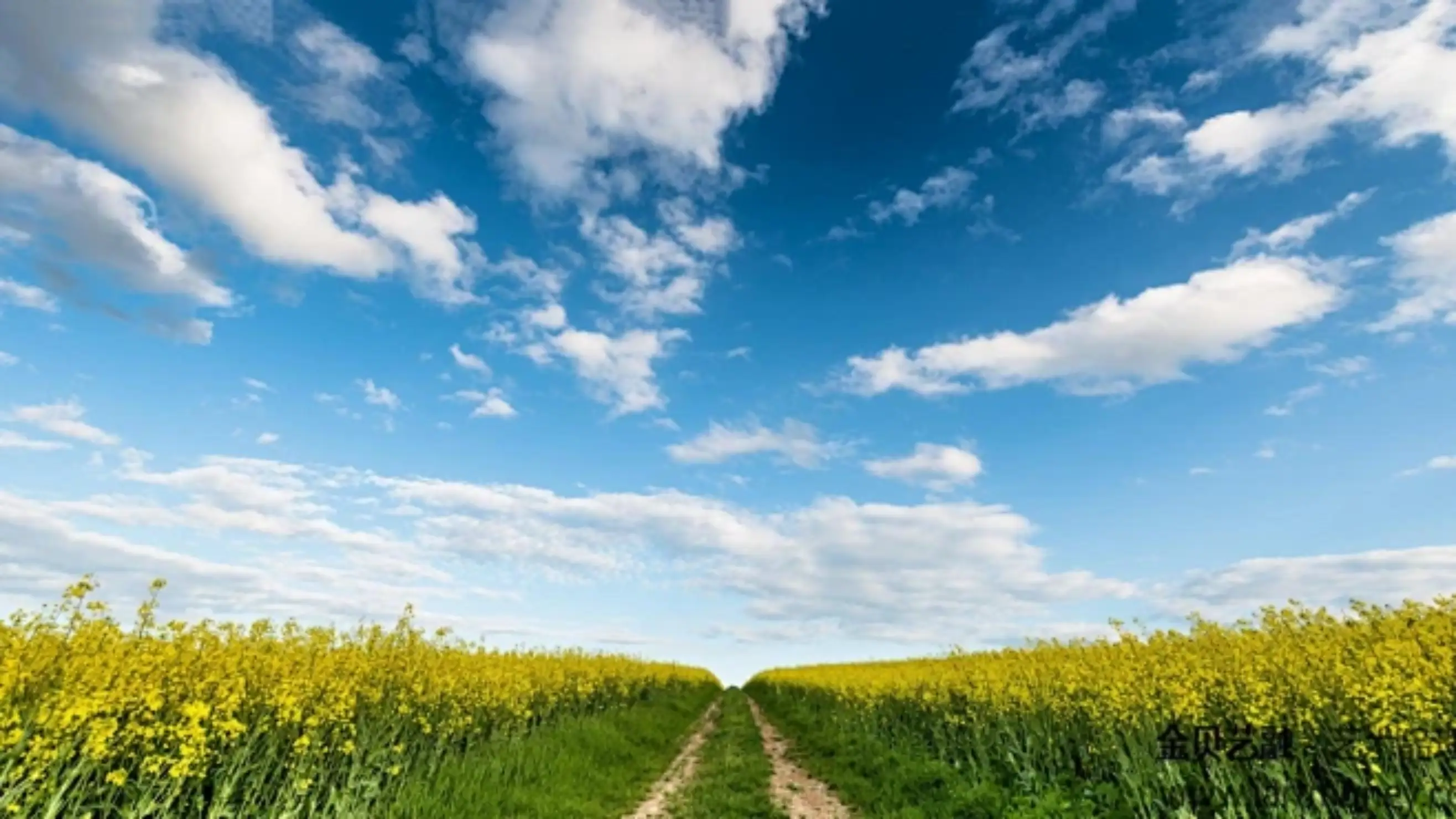
Landscape photo enlarged by plain interpolation
Before After

Upscale an Image to Poster Size — 24×36, 18×24, 16×20

Pick the size you're printing and the tool resizes the image to poster size: 24 × 36 in at 150 DPI is 3600 × 5400 px, comfortably inside the paid 7680 px cap, so enlarging a photo to poster size doesn't need a desktop app. When the shape doesn't match, Fit decides whether to resize the image to fit the poster with a white border or crop it to fill — a print shop rotates the sheet itself, so a landscape photo never needs turning on its side. Unlike a plain resize, the file is written at print resolution instead of being stretched afterwards — that's what upscaling an image for poster printing buys you: 150 DPI of real pixels, not an interpolated guess.

upscale image to poster sizeresize image for poster printingenlarge picture to poster size
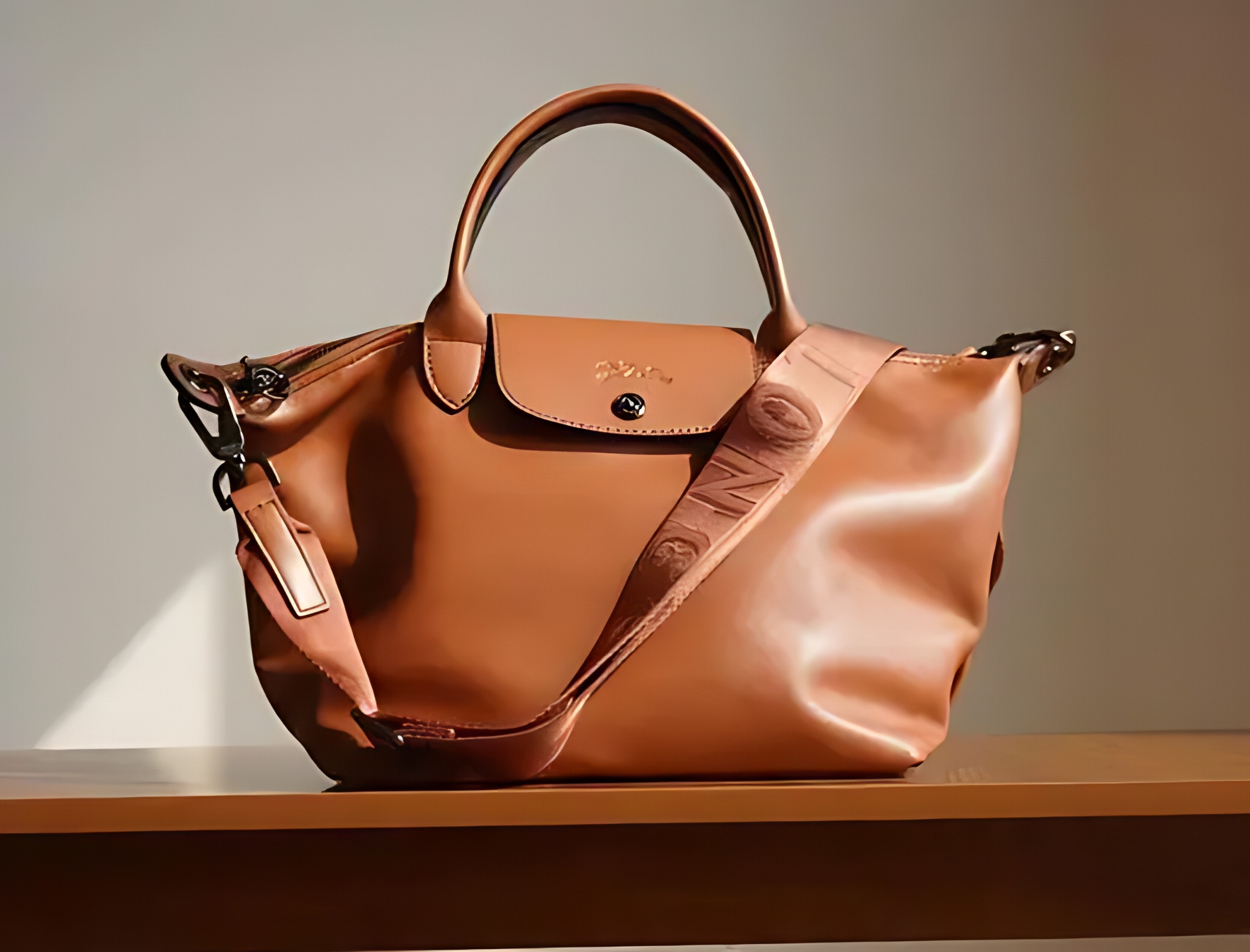
Product photo upscaled with AI for a 2000x2000 listing
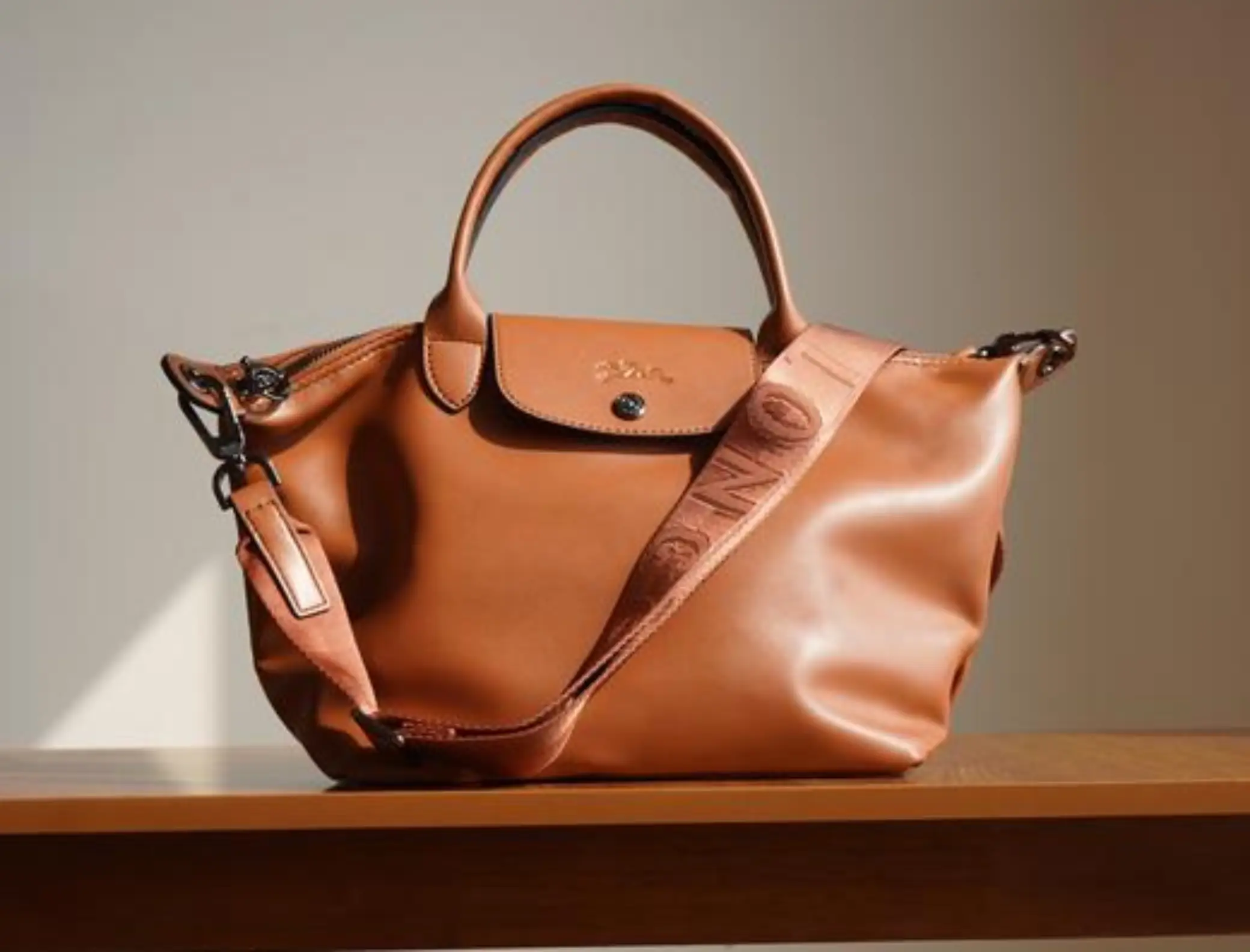
Product photo resized without AI, edges soft
Before After

Upscale Product Images to 2000×2000 — Shopify, Amazon, Etsy

Listing photos usually fail on size, not on the photo itself. Drop a supplier file in, choose 2000 × 2000 for Amazon or Etsy, 2048 × 2048 for Shopify or 1024 × 1024 for Shopee, and the export is exactly that size — no desktop editor, no guessing the numbers. It runs in both directions: it works as a product image upscaler when the original is too small, and it will resize product images down when the file is already larger than the listing needs. Every marketplace preset sits inside the free 2048 px cap, so a whole batch can be brought to spec without a paid plan.

upscale product imageshopify image resizer2000x2000 image resizer
Phone photo upscaled with AI to a custom pixel size
Phone photo before upscaling
Before After

Upscale an Image to Any Custom Size

Anything that isn't a sheet or a listing goes in as width × height: type the custom size you need — a 1500 × 500 banner, or 3000 × 3000 for a large mockup on a paid plan — up to 1600 px on the long edge as a guest, 2048 px on the free plan and 7680 px on a paid plan. Pick the specific size the destination asks for and what downloads is an exact size match, never a stock preset rounded to the nearest option. A ratio lock keeps the shape while you type, and Fit decides what happens to the leftover space: pad keeps the whole frame (white, or transparent when the source is a PNG), crop fills it. Up to ten images run in one batch, and each finished file downloads as it's done.

upscale image to custom sizeupscale image to specific sizecustom image dimensions

Batch Resize Product Photos in One Run

A supplier folder, a product shoot, a stack of scans — drop up to ten images in and every one of them comes out at the same target size. Files are processed one after another rather than all at once, so memory stays flat and the browser doesn't stall halfway through the batch.

Ten per run on a paid plan, one at a time on the free plan. Each image counts once against your daily allowance, and a failed image doesn't count at all.

  • Every file downloads on its own

    Auto-save is on by default and can be switched off. Nothing is zipped, so one slow file never holds up the rest.

  • A failure doesn't stop the batch

    The broken image is marked with the reason and a Retry button; the rest keep going, and the retry only re-runs that one card.

  • You can clear the tray any time

    Remove a single image, or clear the whole queue — finished files stay downloadable until you remove them. The image being processed is unlocked the moment it finishes.

Advanced Settings, for Machines That Struggle

Defaults are right for most people. When a big sheet feels stuck, or you want more speed out of a good GPU, paid plans open three controls — and they're remembered on this device for next time.

Quality

Fast gets through a batch quickly. High quality spends several times longer to keep more real texture, which matters on large prints. The first high-quality run also downloads a 33 MB model.

Tile size

How much of the image is worked on at once, from 32 to 256. Larger tiles are faster but need more graphics memory; if a big target stalls or the tab dies, step it down.

Backend

WebGL works everywhere. WebGPU is noticeably faster on supported browsers and is detected automatically — the option stays disabled when your browser can't provide it.

Advanced settings are part of the paid plan. Free accounts run on WebGL with a 64 px tile.

Output and Limits Worth Knowing

Format follows the source
JPEG in, JPEG out. PNG in, PNG out with its transparency kept. WebP in, WebP out. If your file-size ceiling can't be met at any quality, the image is saved as JPEG and the card says so.
A hard cap on the long edge
1600 px as a guest, 2048 px on a free account, 7680 px on a paid plan. Past that a browser tab runs out of GPU and heap memory part-way through a batch, so the cap keeps the job predictable instead of crashing mid-run.
Free accounts: 3 images a day
One image per run on the free plan, ten on a paid plan. Only a successful image counts against the daily allowance.
Enlarged past the target, then brought down to exact size
Going straight from a small file to a big number leaves the last stretch to plain interpolation, which is where a photo goes soft. The image is enlarged beyond what you asked for and then reduced to the exact size, because bringing a large image down always looks cleaner than pulling a small one up.
Detail is rebuilt, not recovered
Broad shapes, gradients and fabric texture come back convincing. A serial number photographed at 300 px will not become readable: if you're trying to increase image resolution for a poster, start from a larger original whenever small text, a logo or a barcode has to survive the print.
Print mode keeps full quality by default
Nothing is compressed unless you ask for it: leave the file-size field empty and the print file keeps its full quality at the exact pixel dimensions. If you do enter a ceiling, only the compression changes — the dimensions never shrink, because a file that prints smaller than the sheet is worse than a slightly softer one.


Printing and Pixel Size — Questions

How many pixels is A4 at 300 DPI?

2480 × 3508 px at 300 DPI. A3 at 300 DPI is 3508 × 4961 px, and A2 is 4961 × 7016 px. All of them are presets in portrait and landscape, so you can pick the sheet and let the tool fill in the numbers — there is nothing to look up or type.

How many pixels is a 24 × 36 in poster?

3600 × 5400 px at 150 DPI, and that fits the paid 7680 px cap. In the same inches list: 18 × 24 is 2700 × 3600, 20 × 30 is 3000 × 4500, and 16 × 20 at 300 DPI is 4800 × 6000. All four are presets, so you pick the poster and the pixels are filled in for you.

Will a poster come out sharp enough?

Yes, up to 7680 px on the long edge with a paid plan. The ceiling is real: the same 24 × 36 poster at 300 DPI would need 10800 px, which is past what a browser tab can hold, so 150 DPI is the practical limit for posters — and it is what a wall poster read from about a metre actually needs.

What format is the output?

The same as the source: JPEG stays JPEG, PNG stays PNG with its transparency, WebP stays WebP. If the file-size ceiling you set can't be met even at low quality, the image is saved as JPEG instead, and the card tells you so; outside print mode it may also be reduced slightly in size.

My photo is only 600 px wide. Will A4 look sharp?

You get a real 2480 × 3508 px file, but the extra pixels are reconstructed, not recovered. Broad texture, edges and gradients hold up well; small text, fine patterns and logos will not become readable if they weren't readable to begin with. When exact detail matters, start from a larger original.

What if my image is already bigger than the target?

Then it is resized down instead of upscaled — the same target field works both ways. Shrinking never has to invent pixels, so a supplier file dropped to A4 or to 2000 × 2000 comes out clean; only images smaller than the target ever go through the upscale step.

Is it free?

Yes. A free account gets 3 images a day with no card, up to 2048 px on the long edge — enough for every marketplace preset and for A4 at 150 DPI. Paid plans lift the cap to 7680 px, allow ten images per run, and unlock the advanced settings.

How many images can I process?

One image per run as a guest or on the free plan, ten per run on a paid plan. Free accounts get 3 images a day, and each finished image counts as one — a failed image doesn't.

Are my images uploaded to a server?

No. Decoding, upscaling and encoding all happen in your browser tab. The AI model is downloaded once on the first run and cached for later visits, which is why the first image takes longer than the rest.

See what each plan unlocks

Not Sure Which Size You Need?

Pick the paper you're printing on, or the pixel size the marketplace asks for. That's the only decision here — the tool fills in the numbers.

Pick a size and upload